
Key takeaways
- Game design and game development are different. Game design concerns the rules, player decisions and experience while game development also includes programming, art, audio, production and testing.
- A game designer does not necessarily need advanced coding expertise. Prototyping and scripting skills can help, but expectations vary by role and studio.
- Practical evidence leads the iteration process. A playable prototype, annotated level, playtest notes and documented revision can make skills easier to evaluate than a list of software names.
- Feedback is invaluable. Effective designers observe where players struggle, form a hypothesis, change one variable and test again.
Game designers decide what players can do, what challenges they face, and how a game responds to their choices. Those decisions involve creative thinking, but also testing ideas, adjusting rules, explaining them to teammates and knowing when a feature isn't working.
You don't need to become an expert programmer, animator and artist all at once. The skills you need depend on whether you're interested in gameplay systems, levels, narrative design or technical design. What matters most is learning to turn a design idea into something people can play, then improving it based on what happens.
What skills do game designers actually need?
A designer's work can vary enormously between a small indie project and a large studio. These eight competencies are useful starting points, but you won't use every skill to the same depth on every project.
| Skill | What it trains you for | A small exercise to try | Portfolio piece |
|---|---|---|---|
| Game mechanics and systems | Defining rules and meaningful player choices | Write and test a single risk-and-reward mechanic with interesting successes and failures | Rules sheet and a short paper or digital prototype |
| Level design | Guiding movement, pacing, and discovery | Sketch a level with a clear critical path to one goal | Annotated map or playable blockout |
| Player experience and interface | Making objectives and feedback understandable | Show a new player the game without instructions with a goal of discoverable game mechanics | Observation notes and UI revision |
| Prototyping | Testing an idea before committing | Build a functional digital prototype or paper version in one session | Playable build and design hypothesis |
| Playtesting and iteration | Discovering what players actually understand | Ask three people to attempt the same challenge | Test protocol and before/after comparison |
| Scripting and technical literacy | Communicating constraints and implement simple behaviour | Trigger a door when a switch is activated | Blueprint or script explanation |
| Narrative and visual communication | Using context, landmarks and feedback to support play | Tell a simple story without dialogue | Annotated scene or flow diagram |
| Collaboration and documentation | Making decisions clear across disciplines | Write a one-page feature specification that also lists tunable parameters and feedback | Feature description(s) |
1. Understanding game mechanics and systems
A mechanic is an action or rule the player interacts with: jumping, trading resources, combining items, or choosing a dialogue response. A system is how multiple rules interact. For example, a stamina system affects sprinting, combat, exploration and the player's decisions about risk.
A useful design exercise is to change one variable in a familiar mechanic. Imagine a dash ability that can be used repeatedly. What changes if it consumes energy? Does the player save it for emergencies, or does running out of energy make the game frustrating? Define what behaviour you want, then watch someone play rather than assuming your prediction is correct.
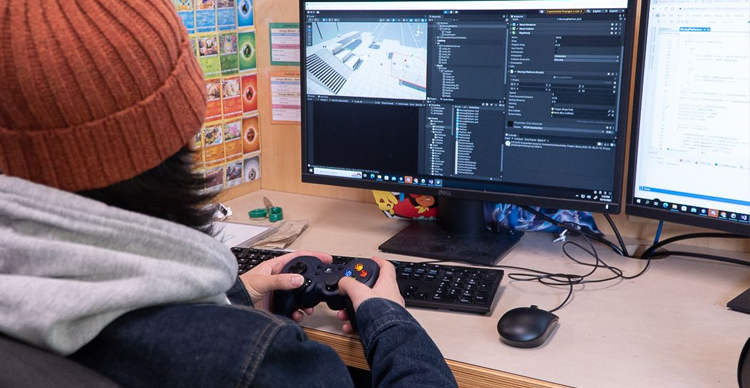 Prototyping helps designers test gameplay mechanics and refine their ideas.
One common beginner mistake is trying to introduce too many mechanics and features too quickly. A strong game establishes its core mechanics gradually, giving players opportunities to discover each one, experiment with it through gameplay encounters and eventually demonstrate mastery before introducing the next challenge. More features don't automatically make a better game. Good pacing gives players time to understand and enjoy the systems already in front of them.
Something for you to try: Write a six-line design brief stating the player goal, available action, rule, feedback, intended decision and one likely failure mode. It should be clear enough that another person could attempt to prototype it.
Balancing mechanics with simple numbers
Game design also involves quantitative reasoning. A designer may change an ability cooldown, character speed, enemy health, reward frequency or the cost of an upgrade. Each adjustment can change a player’s choices, especially when several systems interact.
Something for you to try: Put two versions of a small mechanic in a spreadsheet. Record what’s supposed to happen, what a playtester actually did, and whether you’d keep or change the rule. The point is not to prove that one number is universally best, but to make the design trade-off explicit.
2. Level design and player navigation
Level designers shape what players notice and what they can reach. They make decisions about pathways, sightlines, obstacles, checkpoints, challenge pacing and optional discoveries.
Start with a rough diagram or greybox (not polished artwork). In a simple level with a locked exit, put a key in a side room. Can a first-time player spot the side room? Do they understand the door is locked? Does the route back feel rewarding or tedious?
Directionality is another important consideration. Players can easily become disoriented, even in relatively simple environments, leading to unnecessary backtracking or missed objectives. Environmental cues, landmarks, lighting and visual composition can subtly guide players toward their next destination without explicitly telling them where to go. The goal isn't necessarily to eliminate backtracking, but to make sure it's intentional and supports the experience.
Something for you to try: Draw two versions of the same short level: one with a single route and one with a meaningful optional route. Ask a player to navigate each version without instructions. Record where they hesitate, then decide which version better serves your intended experience.
3. Prototyping before polishing
A prototype is a test of an idea, not proof that a finished game is already good. It can be a paper board, a clickable interface or a playable greybox made with a game engine. The best starting format is the simplest one that tests the decision you care about.
If the question is whether trading health for speed creates interesting choices, polished animations won't answer it. A rough prototype with two visible values might. Distinguish what is being tested from everything that is merely decoration.
Something for you to try: Create a small prototype with one objective, one main rule, and one failure state. Write down what evidence would convince you to keep the mechanic and what would make you change it.
For hands-on learning, explore Godot's official first 2D game tutorial, Unity's beginner learning resources or VFS's online Game Design workshops and courses.
4. Playtesting, problem-solving, and iteration
Playtesting is not simply asking friends whether a game is fun. It is observing what people do when your intended experience meets their actual behaviour.
Consider a hypothetical level where players repeatedly miss a doorway. Several explanations are possible: the doorway may blend into the wall, the camera may obscure it, or the surrounding layout may direct attention elsewhere. The designer should test a specific change instead of assuming the problem is player skill.
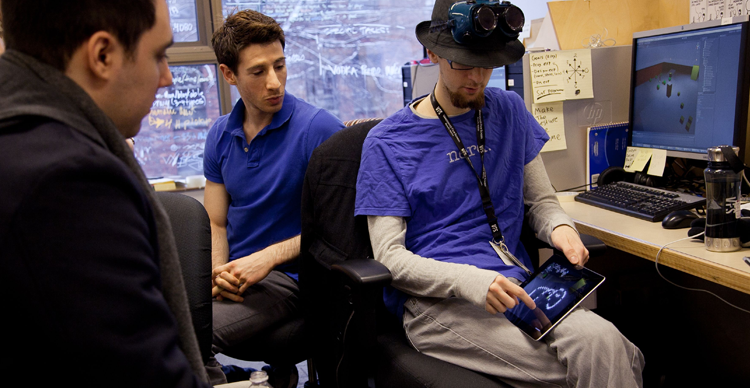 Game designers use problem-solving and clear communication to turn playtest observations into better experiences.
This is something we see in student game projects at VFS. A team may spend so much time playing its own game that it gradually loses perspective on how challenging it actually is for someone encountering it for the first time. A mechanic or level that feels perfectly balanced to its creators can be frustratingly difficult for a new player. Fresh playtesters help expose these blind spots, allowing designers to adjust difficulty, refine mechanics and create a more balanced experience. The lesson? Don't tune a game exclusively for the people building it.
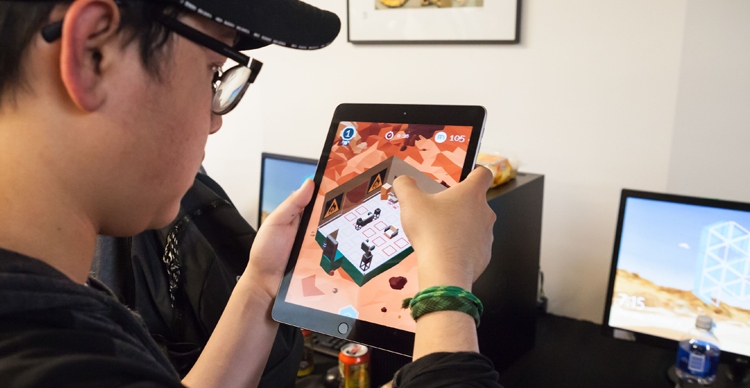 See how VFS students put their game design ideas to the test through hands-on playtesting.
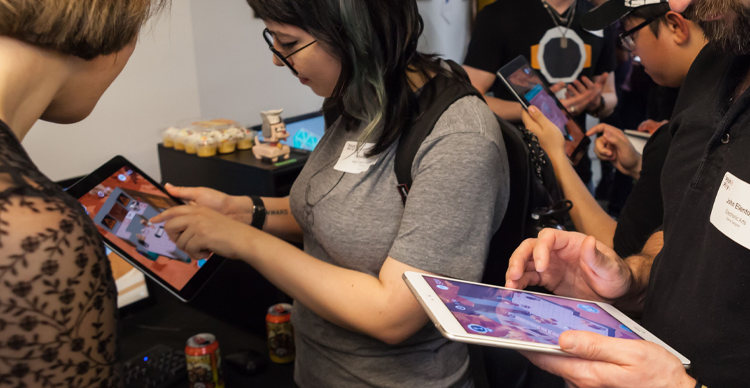 See how VFS students put their game design ideas to the test through hands-on playtesting.
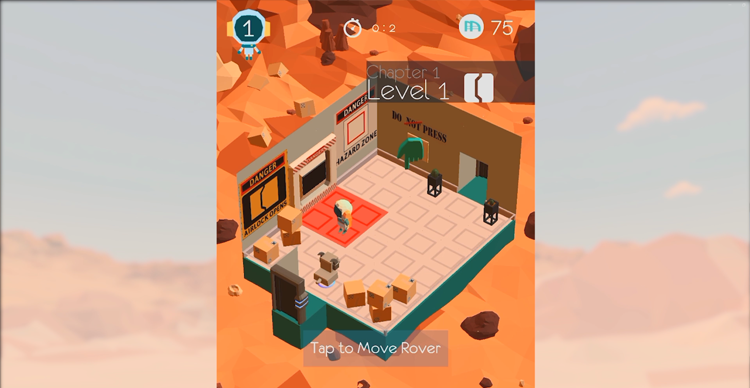 See how VFS students put their game design ideas to the test through hands-on playtesting.
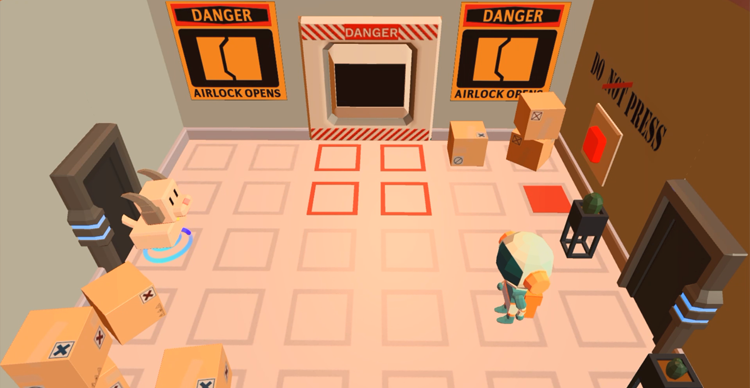 See how VFS students put their game design ideas to the test through hands-on playtesting.
A practical four-step loop works well:
State a design question: Can first-time players identify the route to the exit?
Observe: Give them the objective, but avoid coaching them through the level.
Change one element: Adjust lighting, signage or layout rather than changing everything at once.
Retest: Look for a difference in behaviour, and document what did and didn't improve.
Keep qualitative notes separate from measurable observations. Three informal tests can expose an issue, but they cannot establish population-wide usability or a statistical improvement.
What does a useful playtest record look like?
| Field | Example for a hypothetical level |
|---|---|
| Intended experience | Players should spot the exit route without a tutorial |
| Observation | Two participants walked past a poorly contrasted doorway |
| Hypothesis | The doorway is hard to distinguish from the environment |
| Change | Add a contrasting frame and improve sightline |
| Retest question | Do new players notice the doorway without prompting? |
5. Do game designers need coding skills?
Not every game-design role requires professional-level programming. A systems designer might work primarily with rules, spreadsheets, balancing and documentation, while a technical designer could spend much more time in visual scripting and engine tools. Small teams may combine responsibilities that larger teams keep separate.
Understanding variables, conditions, triggers and basic debugging can make it easier to prototype and communicate with programmers. Tools such as Unreal Engine's Blueprint visual scripting also let designers assemble interactions without writing a conventional codebase. Advanced C++ development and engine architecture are separate specializations, not universal prerequisites for every game designer.
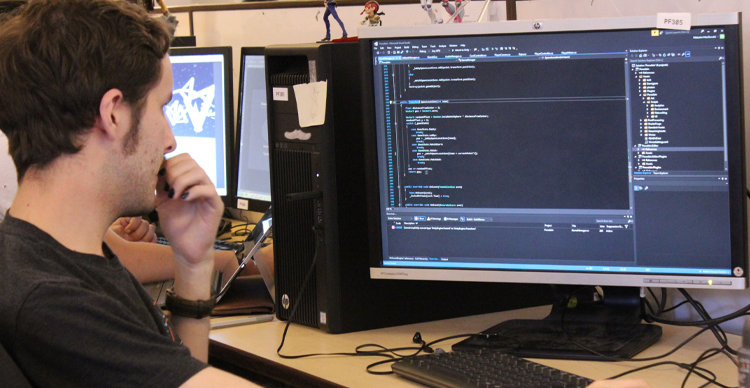 Explore how designers use coding and visual scripting to bring gameplay mechanics to life.
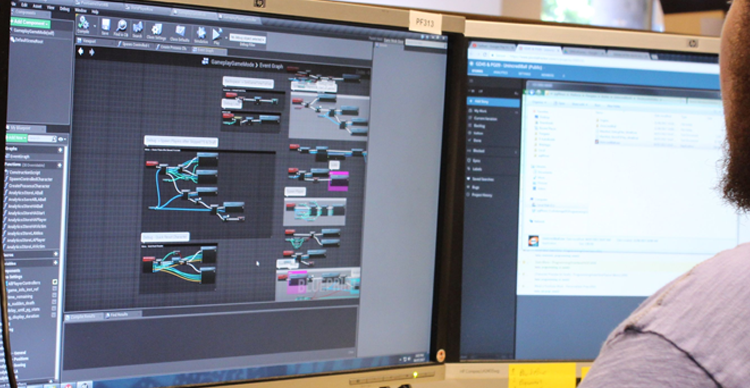 Explore how designers use coding and visual scripting to bring gameplay mechanics to life.
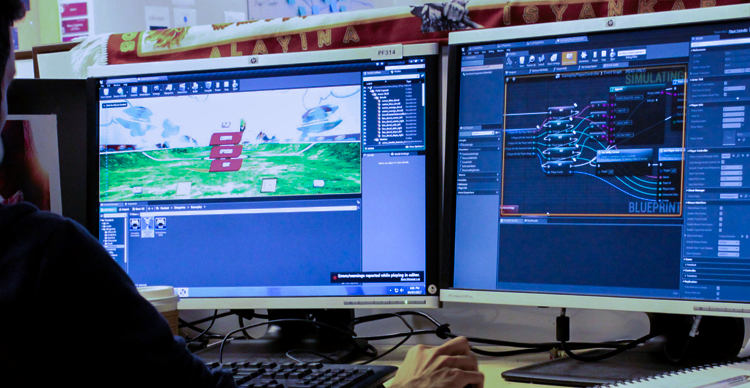 Explore how designers use coding and visual scripting to bring gameplay mechanics to life.
If your main interest is implementing game logic or designing technical systems in code, explore dedicated game programming learning resources rather than trying to master every language at once.
6. Visual communication, art direction and animation literacy
A designer does not need to model every character or animate every movement. They do need to think about whether players understand what is happening.
A subtle sound, animation or flash can communicate that an action worked. A distinctive landmark can make a level easier to navigate. In a fast-moving game, a beautiful interface that hides important information can undermine a mechanic.
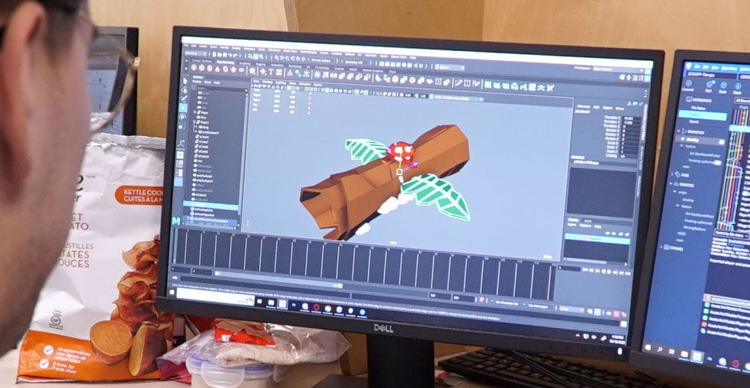 Explore how character art, environment modelling, animation and art direction shape the player experience.
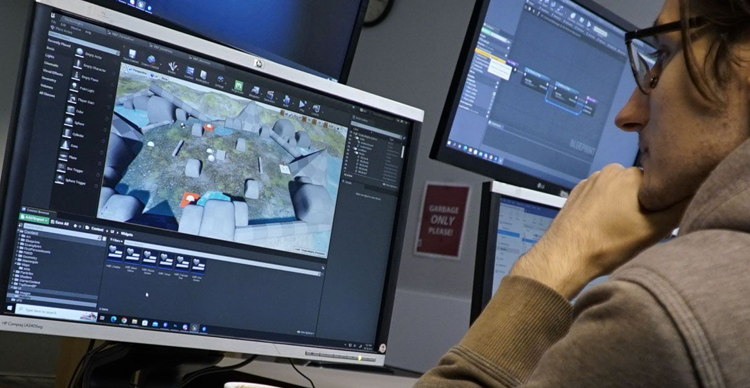 Explore how character art, environment modelling, animation and art direction shape the player experience.
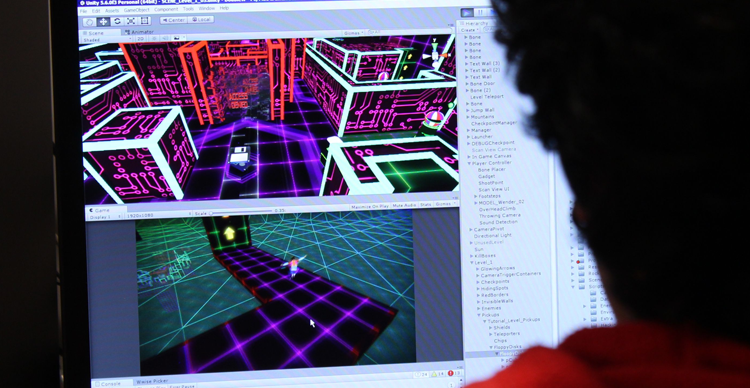 Explore how character art, environment modelling, animation and art direction shape the player experience.
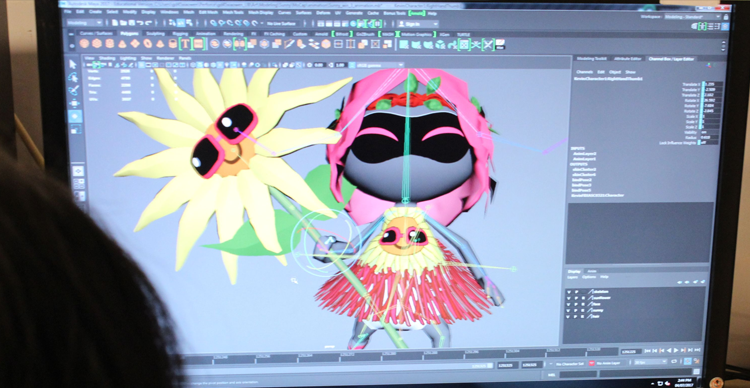 Explore how character art, environment modelling, animation and art direction shape the player experience.
Something for you to try: Take a screenshot of a hypothetical game scene and mark the player's objective, interactive objects, hazards and navigation cues. If you cannot clearly distinguish them, consider which visual changes would help.
Specialist character rigging, texturing and advanced animation workflows belong more naturally in game art and animation education. Game designers benefit from understanding their constraints and collaborating clearly with those specialists.
7. Storytelling and player agency
Not every game needs a branching story. Narrative design becomes particularly important when the player's actions change relationships, reveal information or alter the game world. It can also work quietly through an environment: a broken bridge, an abandoned campsite or a change in lighting may tell the player something without dialogue.
Something for you to try: Design a room that hints at a past event using just three objects. Show it to another person and ask what they think happened. Compare their interpretation with what you intended; the differences reveal where your environmental storytelling succeeds or breaks down.
8. Collaboration, feedback and production judgment
Game development involves multiple disciplines. A designer may need to explain a mechanic to a programmer, discuss visual feedback with an artist and communicate a change to a tester. Useful collaboration requires more than agreeing with everyone: it means documenting decisions, listening to constraints and knowing which feature matters most.
Game designers collaborate across creative and technical disciplines to solve problems and bring ideas to life.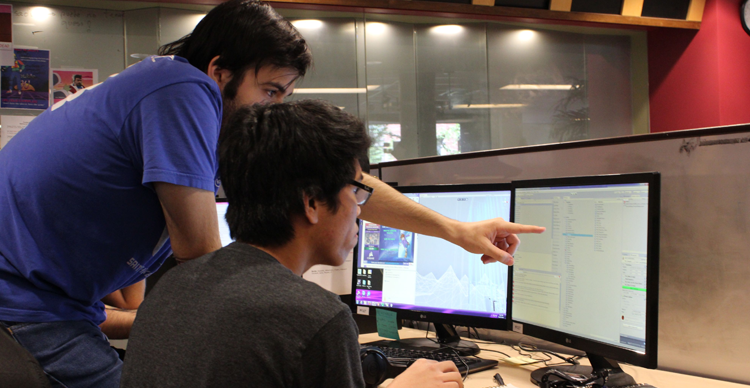 Game designers collaborate across creative and technical disciplines to solve problems and bring ideas to life.
One of the most important lessons in playtesting is to avoid assuming that a player is simply playing the game wrong. Players are responding to the information, mechanics and opportunities the game presents to them. When someone behaves unexpectedly, designers should ask why. Is the game unintentionally encouraging that behaviour, or has the player discovered an interesting way to interact with the experience? Sometimes the right response is to adjust the design; other times, it's to embrace an unexpected player behaviour and build on it.
One productive habit is to write a one-page feature specification: player action, intended result, edge cases, visual/audio feedback and success criteria. Bring that document to a review and record what changes after the conversation. It becomes both a team tool and evidence of your design thinking.
The best designers may not be great coders or great artists or great storytellers, but they are bridges between those disciplines, playing a key role in bringing teams together and providing guidance.
A simple design document a teammate can use
A useful one-page game design brief states the player goal, core action, rules, feedback, edge cases and what a successful test would look like. Keep implementation decisions distinguishable from design requirements. For example, a programmer needs to know when the timed door should close and what happens if a character is in the doorway, not just that the puzzle should feel challenging.
Something for you to try: Give the brief to somebody who has not heard your explanation. Ask them to describe what they would build. If their interpretation differs from yours, revise the document before creating more assets or code.
A beginner exercise: design a switch-and-door puzzle
Looking for an even simpler starting point? Try designing a pen-and-paper role-playing game (RPG). These games rely on rules, player choices and imagination rather than software or visual assets, making them an accessible way to experiment with how mechanics interact. Start with a simple character, a few abilities and a basic challenge. Then introduce rules that create interesting decisions and see how players respond. It's a practical way to explore game design fundamentals without needing to open a game engine.
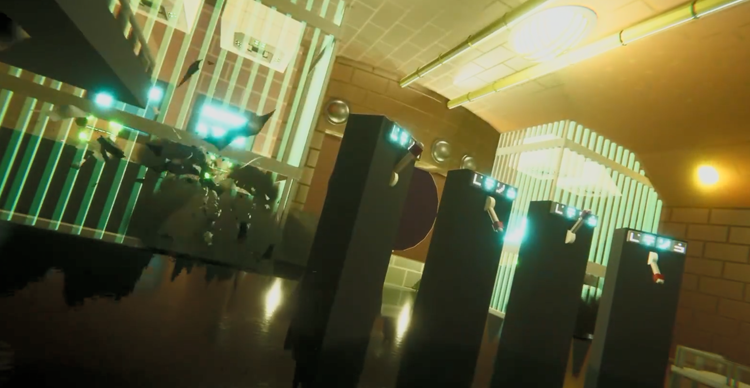 See how VFS students bring a game design challenge to life through practical development.
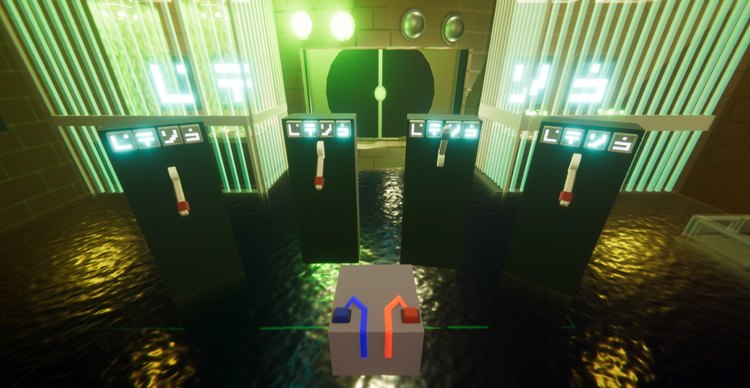 See how VFS students bring a game design challenge to life through practical development.
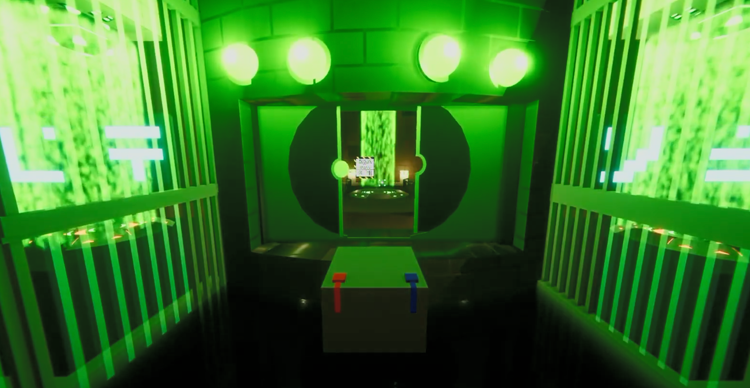 See how VFS students bring a game design challenge to life through practical development.
Goal: A player must reach an exit behind a locked door. A switch opens the door for five seconds.
Step 1 — Define the rules. Can the switch be activated repeatedly? Does the timer reset? What happens if the player is standing in the doorway as it closes?
Step 2 — Build the simplest prototype. Use paper tokens or basic shapes. Avoid detailed art until you can test the timing decision.
Step 3 — Observe. Ask a player to reach the exit without instructions. Record whether they notice the switch, understand the timer and attempt the challenge again after failure.
Step 4 — Revise one element. If the player misses the switch, change its visual treatment. If the time pressure feels arbitrary, adjust the timer and retest with a fresh participant.
Step 5 — Document evidence. Save an initial layout, a short clip or series of screenshots, playtest notes, revised version and a paragraph explaining what changed and why.
This single exercise can demonstrate systems thinking, level design, player communication, prototyping and iteration without requiring a large finished game.
How to show game design skills in a portfolio
A game-design portfolio should make your own contribution understandable. A polished trailer alone may show the final product but not the decisions behind it.
A strong portfolio also shows how a project evolved. Include a clear timeline of your design process, from the initial concept and prototypes through playtesting, revisions and the final result. Explain the decisions you made along the way, what you were trying to achieve and how player feedback influenced your approach. This helps hiring managers understand not just what you created, but how you think as a designer. A polished final product is valuable, but demonstrating the methodology behind it makes your contribution much easier to evaluate.
For each relevant project, consider including:
- The design problem and intended player experience.
- Your specific role and what collaborators contributed.
- A short playable build or clear footage, when permissions allow.
- Before-and-after screenshots, level maps or prototypes.
- Evidence from playtesting and the reasoning behind revisions.
- A brief explanation of what you would improve next.
A timeline of design decisions, iterations and the methodology behind the final result.
A systems design sample may emphasize rules and balancing; a level design sample might show blockouts and navigation decisions; a narrative design sample might show branching decisions and player consequences. Select work that matches the role you want to pursue rather than including everything you've ever made.
How can you develop game design skills at VFS?
Vancouver Film School's Game Design program combines game design theory with hands-on production experience. Students explore mechanics and systems, level design, player communication, storytelling and collaborative development while building practical skills in C#, Unreal Engine Blueprint visual scripting and Unity. With specialization options in Programming, Art and Technical Design, students can develop their strengths while working toward a portfolio of playable games and design projects.
If you're comparing disciplines, remember that game design is one part of game development. Programming, animation, sound and game art have their own deeper skill pathways.
FAQs
What are the most important game design skills for beginners?
Start with understanding rules and player choices, communicating a design clearly, creating small prototypes, observing playtests and revising your work. Level design and basic technical literacy are valuable next steps depending on your interests. The world of board games and pen and paper RPGs are the most common starting point here as they teach core design skills without being gated by technical expertise.
Can I become a game designer without coding?
Some roles focus more on design documentation, systems, levels and player experience, while technical design roles require more scripting. Basic coding literacy is helpful, but advanced programming is not a universal requirement across all game-design roles. Scripting rather than programming is very common in game design roles as designers use tools created by programmers to create content in games.
Is game design the same as game development?
No. Game design focuses on player actions, rules, systems and experiences. Game development includes the broader production work required to build and release games, such as programming, art, audio, QA and production.
What should my first game design portfolio project be?
A small, understandable prototype with one mechanic and at least one documented revision is a useful starting point. Explain what you designed, how players responded, and why you changed the design. Non technical portfolio projects like board games, puzzles and pen and paper RPGs also show off design skills usefully.
Do I need Unity or Unreal Engine to practise game design?
Not for every exercise. Paper prototypes and simple interactive mock-ups can test rules and decisions. A game engine becomes valuable when you need to demonstrate live gameplay, interactions or level flow. Paper prototypes can then be created in-engine if you want to further prove or experiment with an idea.