
Successful game development relies on programming, design, art, sound, testing and production. The skills you’ll need depend on what is being developed and your job title/role. A gameplay programmer spends more time building and debugging interactive systems, while a game designer concentrates on rules, challenges and player experience. Some independent creators combine those disciplines, while larger studios divide the work amongst a bigger team.
It’s less important to focus on whether you can master every game development skill and instead look at which skill to practice first, what tools to build with it, and how to demonstrate the result.
For those looking to build and ship their first game through hands-on, industry-led training, explore VFS’s Game Design program → and start your journey to a career in programming, art, and technical design.
What skills do you actually need to develop and ship a game?
A useful way to understand game development skills is to look at how one was built across multiple roles. As an example, let’s pretend the player is in a small room, where they activate a switch to open a locked door:
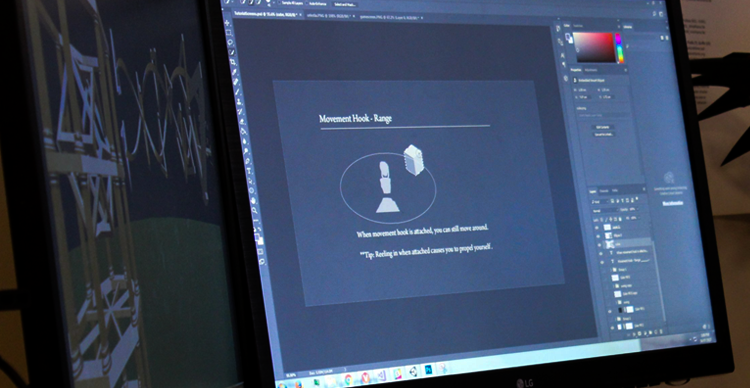 See how different game development disciplines work together to bring a simple game mechanic to life.
| Task | Discipline | What the learner makes | How to check the result |
|---|---|---|---|
| Understand what the switch does and the win condition | Game design | One-page rules doc and rough room layout | Another person can successfully explain the goal after playing |
| Make the switch change the door’s state | Gameplay programming | A working interaction in the game engine | The door opens only after the switch activates |
| Create distinguishable switch and door visuals | Game art / UI | Clear in-engine assets and interaction cue | A player can tell which object is interactive without verbal coaching |
| Add activation feedback | Audio / animation | A sound, motion or visual state change | The player notices when activation succeeds, with non-audio feedback available |
| Check unexpected behaviours | QA / testing | Reproducible test notes and retest results | Wrong-order input, repeated activation and restart behave as intended |
| Package the result | Production / collaboration | Playable build and concise contribution notes | Someone else can open the build and identify the creator's contribution |
What counts as a finished feature?
Write the acceptance criteria before building. In this example, the room starts with a locked door. Activating the switch opens it, the player receives a visible confirmation, restarting returns both objects to their initial states. If a test fails, record the expected result, actual result, steps to reproduce and change made. A video alone shows what happened once, while the test record explains whether the feature behaves reliably. Development teams often use the phrase ‘done done’ to describe that a feature is not just finished, but to the expected specification.
How can you document improvement?
Keep the first playable version, one observation from a playtest, and one revised version. For example, if a tester repeatedly walks past the switch, moves it, or improves its visual cue, then repeat the same task with another test. A single test does not establish an industry-wide result; the value is the documented reasoning and repeatable process. This exercise combines design, code, art, feedback, and quality assurance without turning the article into a full game-development tutorial.
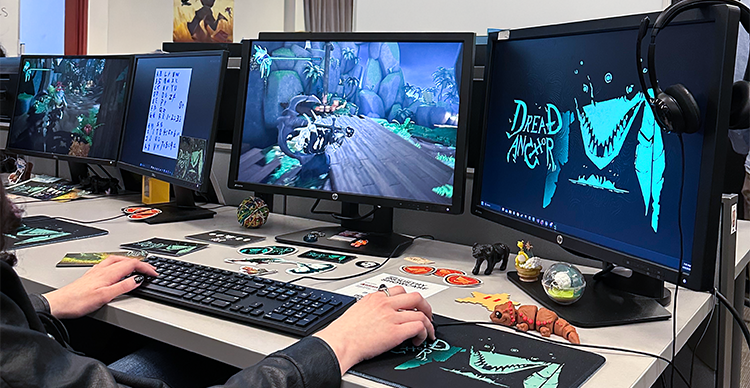 Explore how VFS students apply game development skills through hands-on projects and iteration.
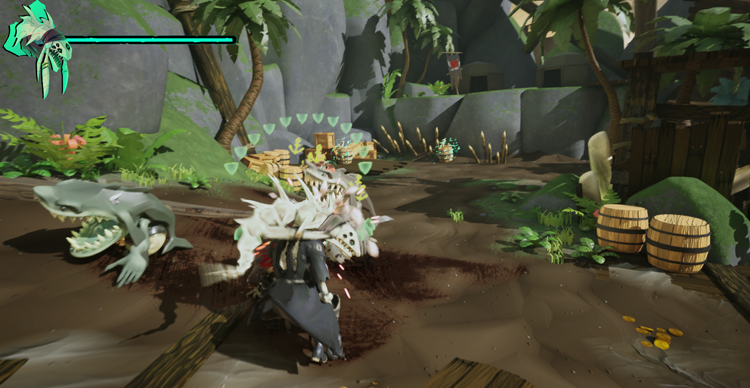 Explore how VFS students apply game development skills through hands-on projects and iteration.
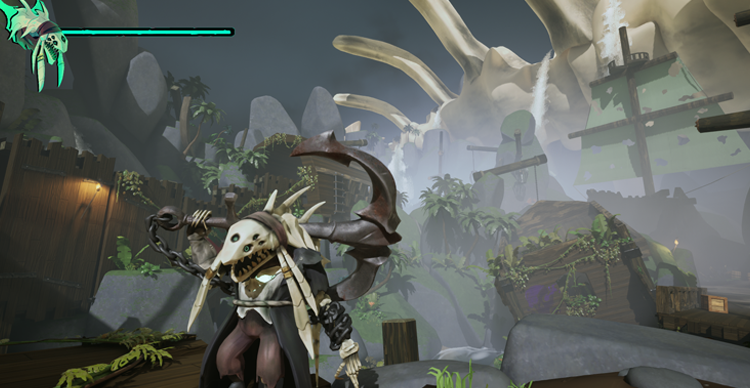 Explore how VFS students apply game development skills through hands-on projects and iteration.
Which game development role fits your skills?
Different game development roles create different deliverables. Comparing their work is a better starting point than memorizing a list of software packages.
| Role or direction | Skills to practise | First noteworthy project | Related Portfolio Work |
|---|---|---|---|
| Game designer | Mechanics, level layouts, prototyping, playtesting | Design and test one short playable challenge | Rule sheet, prototype, test notes, revised level |
| Gameplay programmer | Programming logic, input, collision, debugging | Build a character that moves and reacts to obstacles | Working build, selected code, bug explanation |
| Game artist | Modeling or 2D art, materials, visual communication | Create assets for a simple environment | In-engine screenshots, asset breakdown, contribution notes |
| Animator | Timing, motion, state transitions | Create idle, movement and action animations | Animation reel and in-engine clips |
| Technical artist | Asset integration, tools, scripting, performance | Build a tool or optimize a small scene, custom lighting model, custom shader development | Before-and-after capture with your process explained |
| QA tester | Observation, reproducibility, communication | Test a short playable build and document defects | Reproduction steps, expected/actual outcomes, retest notes |
| Indie generalist | Scope control, basic integration, collaboration | Finish a modest single-mechanic game | Playable build, version history, development summary |
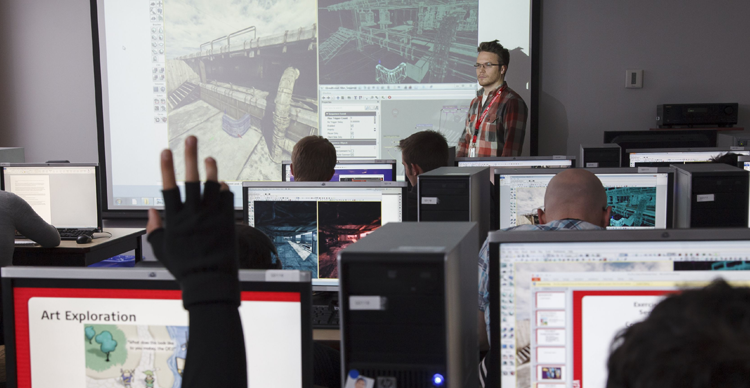 Discover the different creative and technical specializations involved in game development.
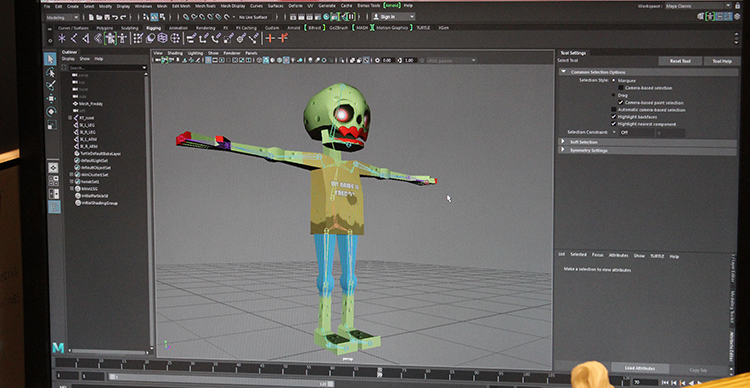 Discover the different creative and technical specializations involved in game development.
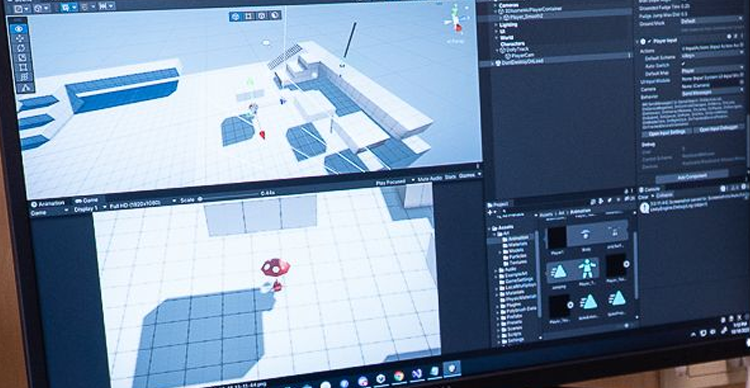 Discover the different creative and technical specializations involved in game development.
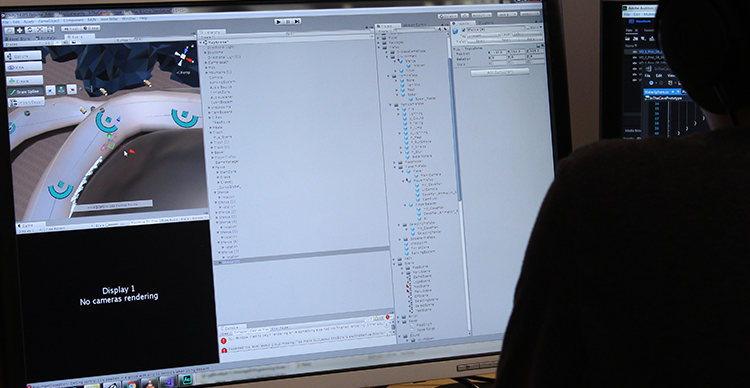 Discover the different creative and technical specializations involved in game development.
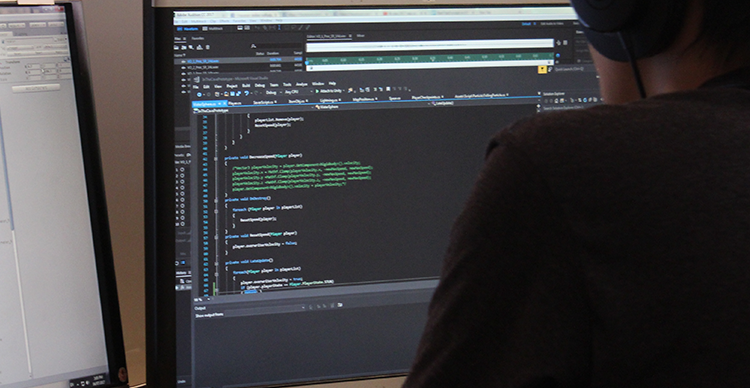 Discover the different creative and technical specializations involved in game development.
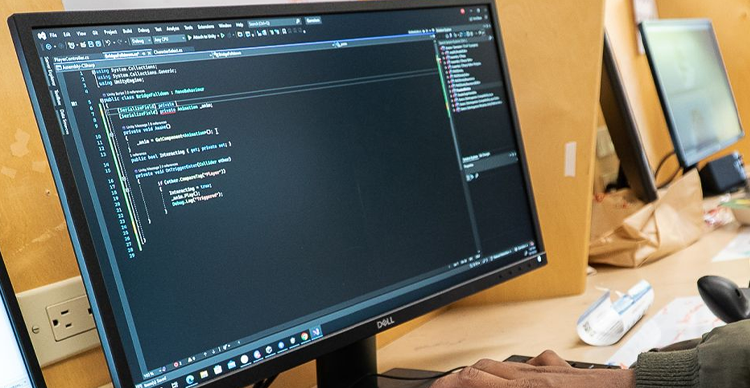 Discover the different creative and technical specializations involved in game development.
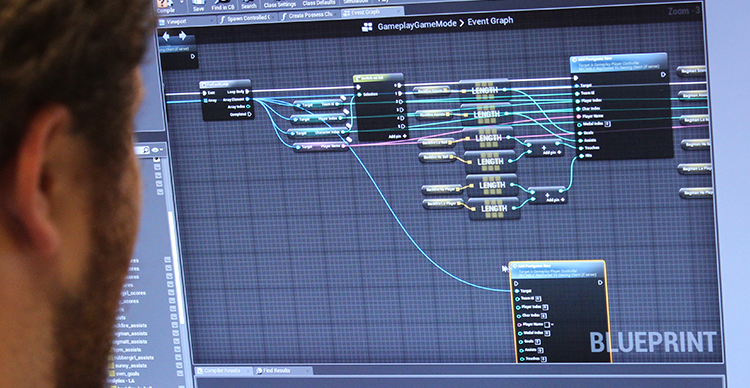 Discover the different creative and technical specializations involved in game development.
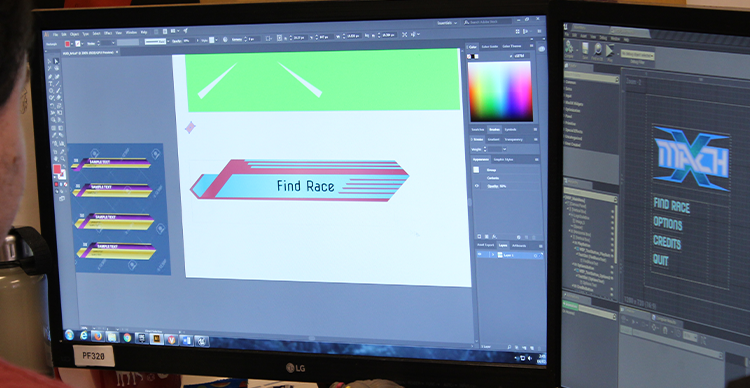 Discover the different creative and technical specializations involved in game development.
How to choose the role that’s best for you
Choose two roles, and complete a small task associated with each. A gamer drawn to rules and player behaviour could prototype a room with a door that opens when a switch is activated. A gamer drawn to code could implement the switch's state change. Compare which exercise was most interesting to you and which problems you wanted to solve. Interest in playing games alone does not tell someone whether they will prefer programming, design, art, production or testing.
Solo development versus specialist roles
A solo developer often needs working knowledge of several disciplines because the same person makes and integrates the content. On a larger team, specialists normally develop deeper knowledge in their own areas while understanding how their work connects to others. No universal list applies to every studio or position. Read actual job descriptions for the role and location you're interested in before choosing advanced tools.
What programming skills do developers need?
Programming transforms player actions and game rules into behaviour the computer can execute. For a gameplay programmer, essential foundations include variables, conditionals, functions, state, data structures and debugging. A non-programming specialist may benefit from scripting literacy without being responsible for production code.
Languages and programming fundamentals
C# is used in Unity workflows; C++ and blueprints are used in Unreal Engine and other systems; Godot supports GDScript and other language options. These are examples, not a requirement to learn all three. Begin by understanding how to move an object, process input, change a game state and respond when objects interact. The choice of language matters less at the beginning than whether the learner can explain and modify a working mechanic. It’s important to know that all languages do essentially the same thing but are differentiated by how fast the languages in question are, how they handle things like memory management and their overall complexity. For example, Unreal supports both C++ and Unreal, but uses them for very different things. C++ is extremely fast but a challenging language for new developers whereas blueprints are easy for people to learn, but suffer greatly in performance.
Readers who want a detailed code walkthrough should visit the separate Game Programming guide once its URL has been verified.
How do you verify a programming change?
Suppose a small obstacle-dodging game ends when a character touches a hazard. Change the rules so the player can survive one contact and loses on the second. Before editing, state the expected behaviour. After editing, test both contacts and confirm that restarting resets the counter. Save a note describing the bug or mistaken assumption you encountered. These observations are more informative than a screenshot of code with no playable result. The rule to remember is, “If a bug can not be perfectly replicated, it can not be fixed”.
How do engines turn ideas into games?
A game engine provides systems for rendering, input, scene organization, animation, physics and other common tasks. Engines help teams assemble interactive experiences, but learning their interfaces is not a substitute for design judgment or programming fundamentals. Once upon a time developers had to invest significant effort into all of these systems but modern game engines provide this framework.
Engines and visual scripting
Unity, Unreal Engine and Godot support different tools and development workflows. A beginner can select a tool based on their project, existing knowledge and technical constraints. Unreal's describes their respective uses. The Blueprint system supports visual scripting, while programmers may choose code where appropriate. Some features will start life as blueprints and then become nativized to C++ for performance reasons. Compare tools using the specific feature or game you need to build, rather than a claim that one engine is mandatory for every developer.
Loops, collision and states
A game's update process typically checks changing conditions, applies game logic and prepares the resulting state for display. Collision detection determines when objects intersect or otherwise meet defined rules. States track whether the game is playing, paused or finished. A small, working implementation of these concepts is more useful in a beginner portfolio than a complex project that cannot be run or explained.
Which design skills improve gameplay?
Game design defines rules, challenges, interactions and the intended player experience. Design work becomes testable when a concept is expressed as a playable prototype and revised after observing players.
Mechanics, prototyping and player feedback
Create a level where a player must activate a switch to open an exit. Ask another person to play without giving them an explanation. Record where they hesitate, which object they expect to interact with and whether they understand the goal. Change one design element in response, such as the switch's placement or the feedback shown when it activates. Retest to see whether that specific confusion changes.
Game design also draws on a broader range of creative and technical skills, from understanding player psychology and balancing risk and reward to developing compelling visual identities and interactive storytelling. Aspiring designers should explore how these disciplines work together to create engaging player experiences. Read more about the .
Level design and accessibility
A level designer organizes routes, hazards, rewards and the information the player needs to proceed. Accessibility considerations influence how players perceive instructions and respond to interaction cues. A simple test might compare a purely colour-coded indicator against an indicator that also includes text or shape. Describe the intended audience and limitations of the test rather than treating one small experiment as proof of universal accessibility.
What art and sound skills matter?
Game art, animation and sound contribute to what players see, hear and understand. The necessary abilities differ for a character artist, animator, UI artist or audio specialist. A useful beginner objective is to create one asset that works correctly in a playable scene.
Models, animation and asset pipelines
An artist may build a model, apply materials, create or import a rig and test its appearance in an engine. An animator can show how character motion transitions between idle, walking and an action. Both should document what they personally produced and what came from a shared asset library. Screenshots from a modeling application alone may not establish that a game-ready asset was integrated successfully.
Audio and UI integration
A sound effect can communicate an action, such as a collected item or failed move. User-interface elements can show health, objectives or interaction prompts. To practise integration, add one audio cue or interface change to a working mechanic, then test whether a player understands the result. An in-engine demonstration provides better evidence than a disconnected list of tools.
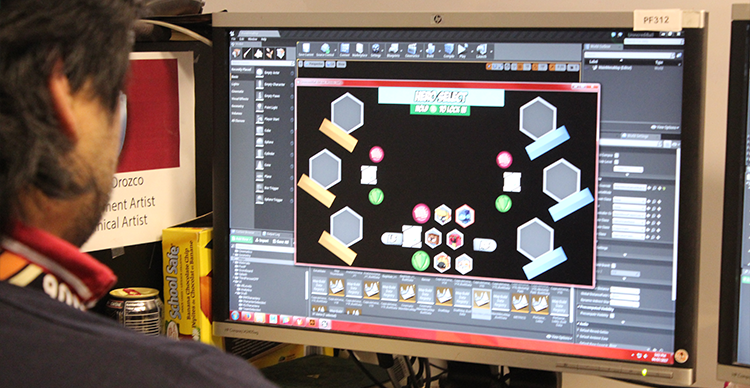 See examples of the interface design skills and deliverables used in game development.
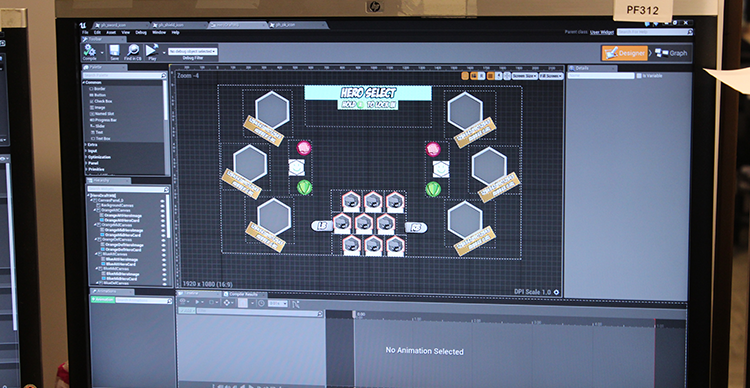 See examples of the interface design skills and deliverables used in game development.
How much math does each role require?
The mathematical depth depends on the task. Basic coordinates and geometry help explain position, direction and collision. More advanced linear algebra, physics or performance techniques are relevant to specialized programming, graphics and simulation tasks.
Vectors, geometry and physics
A beginner can practise vectors by changing a character's movement direction or adjusting the distance between two objects. Geometry provides a foundation for hitboxes and spatial reasoning. Physics adds rules for acceleration, gravity and forces. A gameplay designer who uses an engine's existing components may not need the same mathematical depth as a graphics or engine programmer but learning at least how certain mathematical concepts affect gameplay is important.
Profiling and performance
Performance optimization starts with observing a problem and measuring it with an appropriate tool. A large texture, repeated computation or too many active objects can contribute to poor performance, but an individual cause needs measurement. Before changing the scene, capture the relevant profiler reading; afterward, compare the same test conditions. Never claim a percentage speed improvement without actual results. Typically speaking you build for functionality then adapt for performance rather than seeking performance gains early on.
Which collaboration tools should beginners learn?
Teamwork depends on communicating changes, preserving files and making responsibilities visible. Version control, task management and useful feedback are learnable practices, not personality traits.
How do different game development disciplines collaborate?
Game development is inherently collaborative, bringing together designers, programmers, artists and QA testers to turn an idea into a playable experience. Each discipline contributes a different perspective: designers establish the mechanics and player experience, programmers implement the systems that make them work, artists create the visual elements, and QA testers identify problems and help ensure everything functions as intended.
At VFS, students experience this collaboration through projects of varying complexity. Mid-term Team Projects, such as , challenge students to work together on a smaller-scale multiplayer game with relatively simple gameplay and no AI. Despite its limited scope, completing the project requires contributions from across the game development disciplines.
Final projects, such as , take collaboration to another level. These projects are considerably more complex, requiring significantly more time and effort while working with comparable team sizes. Students must coordinate their individual contributions, communicate effectively and understand how their work fits into the larger production process.
Git, repositories and task management
Version control records changes and allows developers to review or return to earlier work. The explains how to create a project repository. Start a small repository, save an initial working version, make one mechanic change and record what changed. Many art assets require a different handling strategy than small text files, so teams need to agree on appropriate tools and file workflows. A clear task list can identify ownership and completion criteria before implementation begins.
Feedback and review
Useful feedback describes an observed behaviour and its effect rather than judging a teammate's ability. For instance, “players missed the switch in the first room during this test” gives designers something they can investigate. An effective response identifies what to change and what would count as improvement. Keep the decision and test result in the project's notes so other contributors understand why the design changed.
How do you finish a small game?
Finishing requires defining a manageable scope, testing the playable result and making deliberate tradeoffs. A smaller completed project is useful practice because it exposes tasks that aren't visible in the initial idea: menus, restarting, error handling and communicating rules.
Scope and production checkpoints
For an introductory obstacle-dodging game, a reasonable minimum could include movement, one kind of obstacle, a failure state and a restart. Add scoring, extra enemy types or visual polish only after the basic game works. Write down the features deliberately excluded from the first version. A simple plan should describe what is playable at each checkpoint, not only when work is expected to finish.
Testing and iteration
Test the game without coaching the player, then record a limited number of observable problems. Select one issue that affects play and implement a change. Compare the revised build against the original using the same task. A concise development log shows judgment, debugging and a capacity to respond to feedback. To understand the broader concept-to-release process, use the separate Game Development article when its published destination is confirmed.
How can you prove your skills?
A portfolio demonstrates ability when it shows both an artifact and the decisions behind it. The relevant evidence depends on the role: code for programmers, iteration for designers, working assets for artists and reproducible reports for testers.
What do instructors look for in a game development portfolio?
A strong beginner portfolio demonstrates more than the ability to complete a project. Instructors look for technical completion, meaning someone should be able to explore and experience the game without requiring additional instructions or guidance from the developers. The project should also demonstrate a reasonable level of polish, rather than simply functioning at a basic level.
In the game industry, this additional layer of polish is often called juice. It refers to the small details that make gameplay feel responsive and satisfying, including visual feedback, animations, sound effects and other reactions to player actions. These elements help communicate what is happening in a game and make the overall experience more engaging.
Ultimately, a successful portfolio project should demonstrate that you can take an idea beyond basic functionality and deliver a complete, understandable and polished experience.
What should portfolios contain?
Include a project summary, your role, the problem, the method, and the result. For collaborative work, explain which features you implemented and identify other contributors accurately. A short gameplay clip can show the outcome, while a code sample, design document, art breakdown or test report explains how it was achieved. Avoid presenting a team project as solo work.
How should you explain your contribution?
Describe a specific decision that changed the result. A designer might explain why a level route was revised after observing players. A programmer might show how they traced a collision bug and verified the fix. A technical artist might explain why they changed an asset pipeline and include measured before-and-after results. Claims about skill level are stronger when the reader can inspect the work.
How does feedback improve a game development project?
One example of effective iteration comes from , a VFS student project that evolved after the team observed how players interacted with its scoring system.
Initially, the game's scoring system rewarded players for maximizing their score. However, players began developing their own goals, particularly completing an entire floor of packages rather than focusing exclusively on points. This is an example of emergence in game development, where players create their own objectives beyond the goals explicitly established by the developers.
Rather than forcing players to follow the original scoring incentives, the team recognized this behaviour and adjusted the experience. They began rewarding players for completing rows of packages through both scoring and additional feedback. The result was a more satisfying gameplay experience that better reflected how players actually wanted to engage with the game.
It's a valuable lesson for aspiring developers: pay attention to how people play your game, even when their behaviour differs from what you originally intended. Sometimes the best design improvements come from recognizing and supporting the experiences players create for themselves.
How should you build skills over time?
Skill development benefits from a cycle of practice, feedback and increasing difficulty. Self-study, short collaborative projects and structured education can all be appropriate depending on the learner's goals, resources and preferred learning environment.
What mistakes do beginner game developers commonly make?
Getting started in game development can be challenging, particularly when beginners jump into ambitious projects without first developing a foundation in the tools and concepts they'll need. Here are three common skill gaps to address early:
1. Not understanding programming fundamentals or game engines
Learning the basics of object-oriented programming and understanding how a game engine works can make a significant difference when starting a project. Without this foundation, even relatively simple development tasks can become unnecessarily difficult. Beginners can build their understanding through structured tutorials, such as , which introduce programming and engine concepts through practical exercises.
2. Prioritizing narrative over gameplay
Storytelling is an important part of many games, but beginners sometimes place too much emphasis on narrative before establishing the actual gameplay. A compelling story cannot compensate for mechanics that aren't engaging or functional. For those primarily interested in interactive storytelling, tools like Twine or Articy can provide a more direct way to explore branching narratives and dialogue without taking on the full technical demands of game development.
3. Lacking an understanding of fundamental game mechanics
Understanding how mechanics influence player behaviour is essential to designing engaging games. Beginners should explore how rules, objectives, rewards and challenges work together before attempting to build complex systems. Non-development frameworks like Dungeons & Dragons and creative tools like Mario Maker offer accessible ways to experiment with mechanics, understand player choices and develop a stronger sense of game design.
Self-study, game jams and mentoring
An official beginner tutorial can help establish the fundamentals, but learning deepens when the learner changes a working project independently. Godot's provides a structured example and explicitly assumes some programming experience. A explains the collaborative, time-limited format. Game jams can offer a constrained project and a reason to collaborate; the goal should be a finished, understandable contribution rather than an unrealistic feature list. Feedback from another creator can reveal problems a solo developer misses.
Structured study and role fit
Formal programs differ in purpose, curriculum and admissions requirements. Someone comparing programs should inspect the actual course structure, the software and disciplines covered, project expectations and the evidence of student work. Someone seeking a technical programming role may also compare broader computer science training. Readers who want information about VFS should use the current, verified Game Design or Programming for Games, Web & Mobile program pages; those commercial pages, rather than this article, own institutional details.
What should you learn next?
After completing the small feature, choose the next task based on the work you most enjoyed and could explain. Someone drawn to implementation can learn more about game programming and debugging. Someone drawn to rules and player comprehension can develop game-design and playtesting skills. Someone drawn to asset workflows can deepen art, animation or technical-art practice. Compare the practical requirements of real jobs in your chosen discipline before committing to an advanced learning pathway.
FAQs
Does every game developer need coding skills?
No single technical requirement applies to every role. Programmers need substantial coding ability, while artists, designers, audio specialists and testers have different core responsibilities. Some roles benefit from scripting literacy, especially when prototyping or integrating work with a team. A certain level of technical fluency between disciplines is certainly healthy so that while you do not work as a programmer or artist, you understand their roles enough to work elegantly with them.
Which game development skill should a beginner learn first?
Choose the role or task that interests you, then finish a small piece of work. A designer might build and test one mechanic. A programmer might implement movement and collision. An artist might create and integrate an asset. The resulting evidence helps identify the next learning step.
How do you improve game development skills without a degree?
Use structured documentation, build manageable projects, seek feedback, and retain explanations of your revisions. These methods develop demonstrable work, but learning independently does not guarantee employment. Compare the expectations of the actual roles you want to pursue. Set clear conclusion dates to your project to force yourself to finish tasks rather than endlessly work on the same things.
What should a beginner include in a game development portfolio?
Include a playable or viewable artifact, a clear account of your contribution, and a short explanation of one problem you solved. Align the evidence to the target discipline. A designer's revised level, a programmer's debugged mechanic and an artist's working asset show different competencies.